

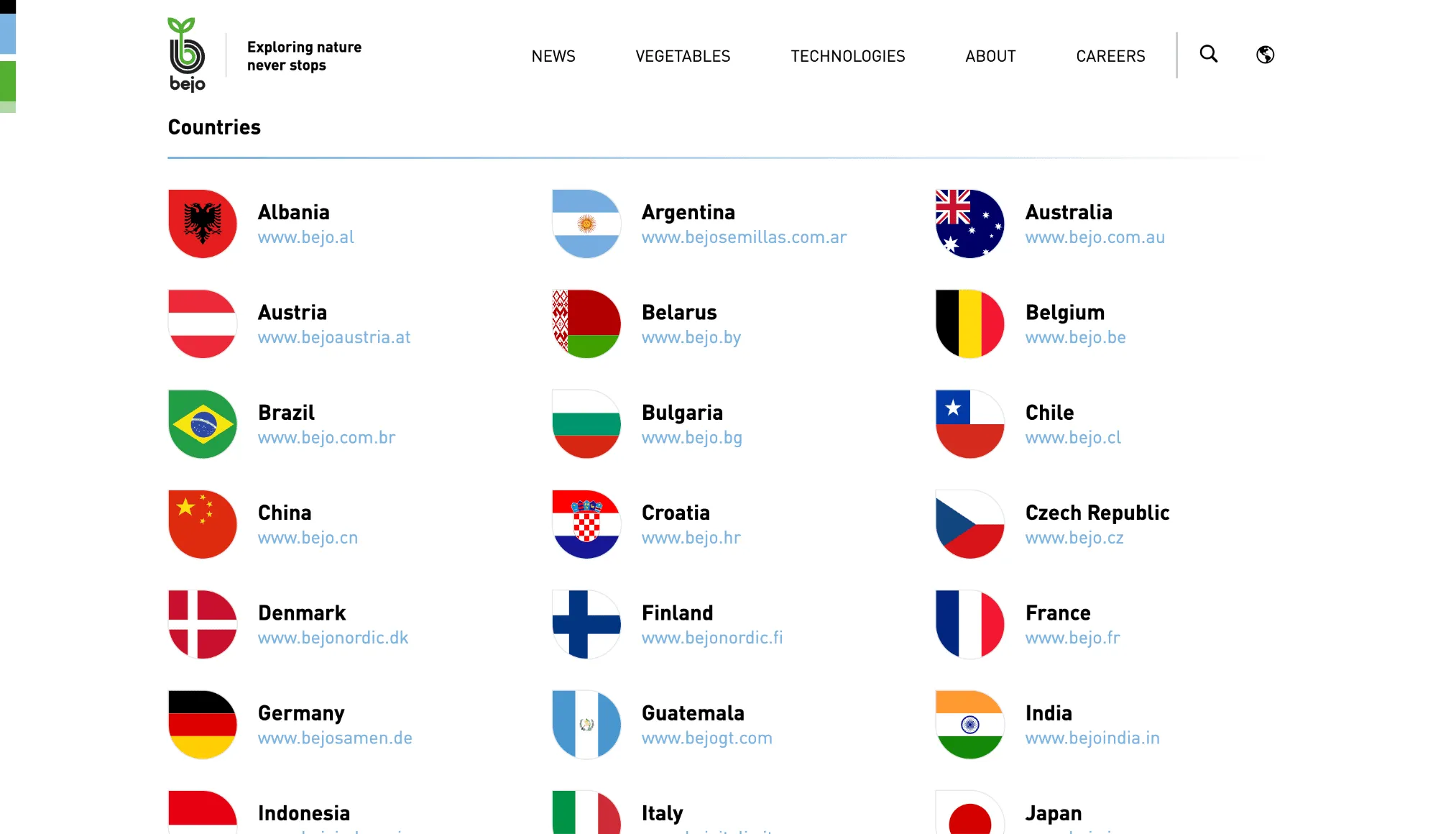
Bejo Zaden is a leading international name in the breeding, production, and sale of high-quality vegetable seeds. Founded by Dutch pioneer families in 1978, the company has grown into an international family business. Today, Bejo employs over 2,300 people worldwide, operates through 31 international subsidiaries, and proudly sells its seeds in more than 100 countries.
Managing this extensive network requires coordinating numerous localization projects within Crowdin and synchronizing content across more than 25 regional languages. To learn more about this workflow, we spoke with Jorrit Stroet, Product Owner at Bejo Zaden, who walked us through their transition from legacy processes to a modern, cloud-based localization setup.
Challenge: Legacy codes and ERP migration
Bejo Zaden’s localization journey with Crowdin began in 2021. Over the years, as the company expanded into new markets, managing software and data across dozens of international subsidiaries became increasingly complex. A major technical milestone in this growth has been the massive corporate migration from their legacy ERP system, Microsoft NAV (Navision), to the cloud-based Microsoft Dynamics 365 Business Central.
Before integrating Crowdin Enterprise into this pipeline, handling multilingual content for such a migration was an incredibly tedious and high-risk process for the product team:
- Code-heavy legacy workflow: In the old Microsoft NAV setup, translations for foreign companies were managed using large, raw
.txtfiles. These files were cluttered with long, complex field codes that corresponded directly to internal field numbers within Navision. Additionally, some translations were embedded directly into the system objects themselves, such as reports, making them incredibly difficult to manage, track, or update systematically. - High risk of system errors: Every single time a regional office needed a translation update, developers or product owners had to manually open and edit these massive text files. One misplaced character or a broken string could easily corrupt the file and cause system errors.
- Translating without context: Internal company reviewers had to translate technical database labels and document text entirely out of context. Without seeing the final layout, it was nearly impossible to know exactly how a term would appear on a live document – such as distinguishing the right terminology for an invoice, a quote, or a specific agricultural item number.
Before Crowdin, it was pretty tough because we had to use large text files with a lot of code in front of them that corresponded with field numbers in Navision. Each time they needed a translation, we had to edit that text file. You could make a mistake easily.
Solution: A pipeline with Azure DevOps and automation
To overcome the challenges of manual text-file editing and build a scalable localization pipeline, Bejo Zaden established a translation workflow within Crowdin Enterprise. Today, the company manages approximately 21 projects on the platform, making Crowdin a centralized online environment for collaboration on translations.
1. Migrating legacy translations to the cloud
Instead of starting from scratch for every new country rollout, the product team designed a highly efficient way to repurpose old data:
- The Product Owner extracted the legacy translation
.txtfiles from Microsoft NAV and formatted them into clean, dual-column files (Source English vs. Target Language) - These files were uploaded directly into Crowdin’s Translation Memory (TM)
- Because of this setup, around 90% to 95% of all software and document translations are populated instantly and automatically
2. Auto-translation with MT
When entering a new country with zero translation memory available or when handling brand-new content, Bejo pre-translates the remaining text using Crowdin Machine Translation.
Thanks to this workflow, the automated drafts are highly accurate. Around 90% of automated translations are approved without changes, with local teams editing the remaining 10%.
3. Review by local managers
Instead of outsourcing to external translation agencies, Bejo brings in their own regional country representatives – often from local sales teams.
Because these teams handle the actual invoices, quotes, and customer-facing paperwork, they are the perfect judges of local terminology. They log in to Crowdin to review the auto-translated text, ensuring greater translation accuracy.
4. Direct Integration with Azure DevOps Repos
From a technical perspective, the pipeline is automated to fit into Bejo’s development and release cycles:
- Crowdin is integrated with Azure DevOps Repos.
- As soon as translations are verified and completed in Crowdin, the platform automatically generates a pull request from the Crowdin branch directly into Bejo’s development branch.
This allows the development team to keep full control over when and how updates are pushed to production, without any manual file moving or risk of breaking code strings.
Crowdin gives you one centralized, online translation tool that can be used by either yourself as a developer or an IT person, but your [local country teams] can also work in the exact same environment. That’s a big advantage.
Results and future outlook
By transitioning to Crowdin, Bejo Zaden has built a fast and lightweight localization process that connects all their teams in one workspace. The platform serves as a central hub for all translations, providing a single online environment for the entire company. This setup connects developers and local managers in one place, removing coordination chaos and making it easy for everyone to collaborate and track progress.
Localize your product with Crowdin

Yuliia Makarenko
Yuliia Makarenko is a marketing specialist with over a decade of experience, and she’s all about creating content that readers will love. She’s a pro at using her skills in SEO, research, and data analysis to write useful content. When she’s not diving into content creation, you can find her reading a good thriller, practicing some yoga, or simply enjoying playtime with her little one.